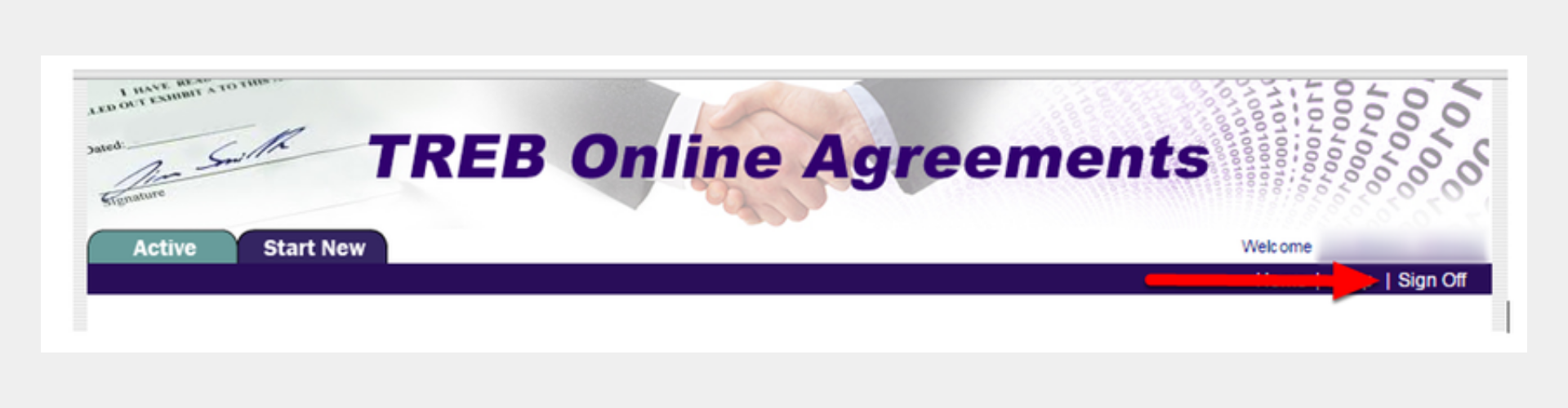
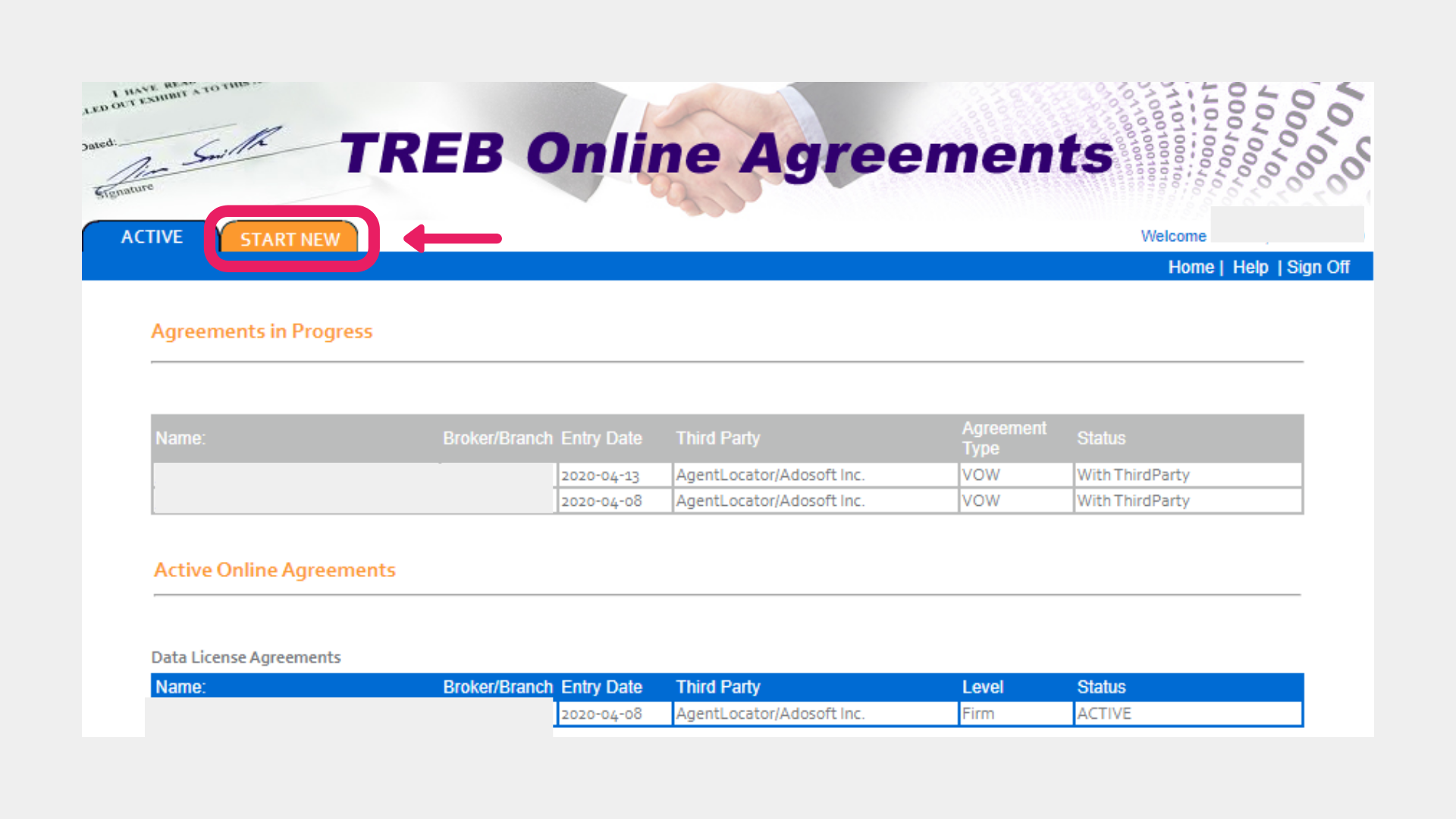
Please follow these instructions on how to complete all three agreements below:
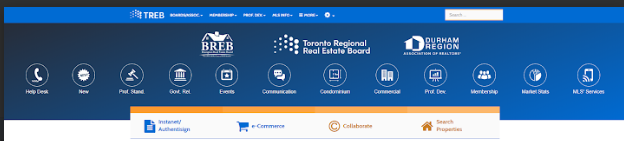
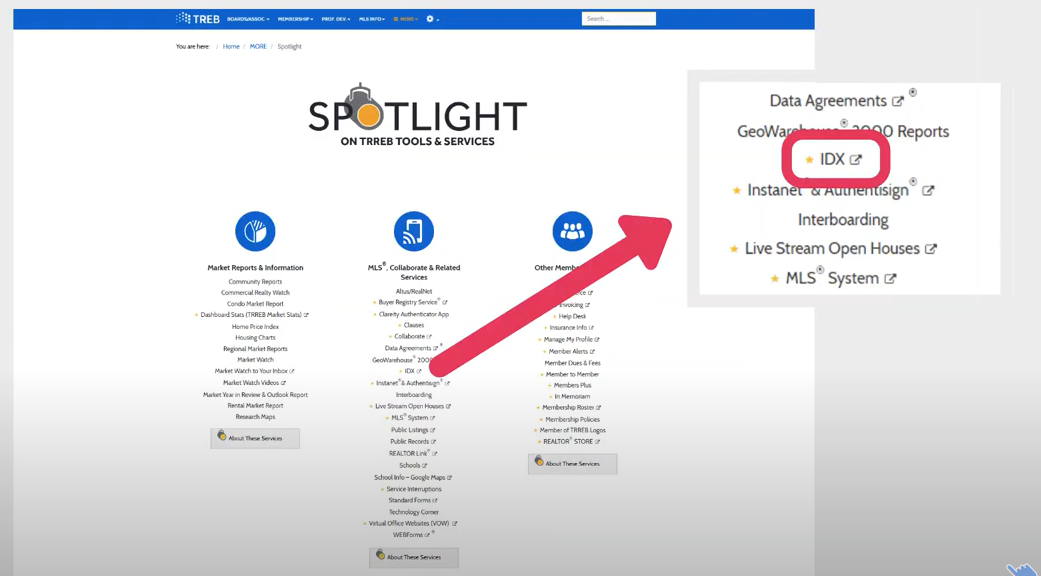
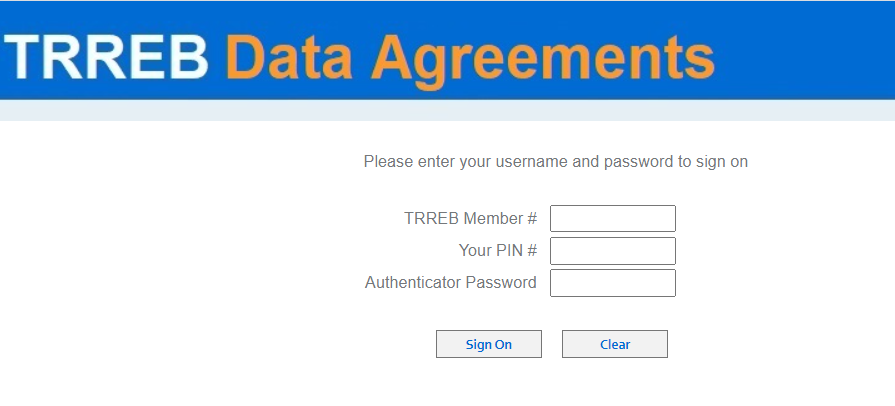
Log in with your User ID, PIN #, and token/authenticator password.
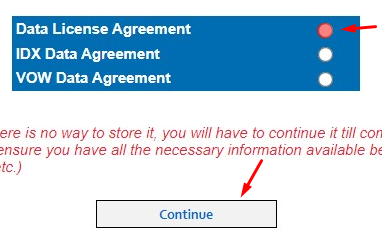
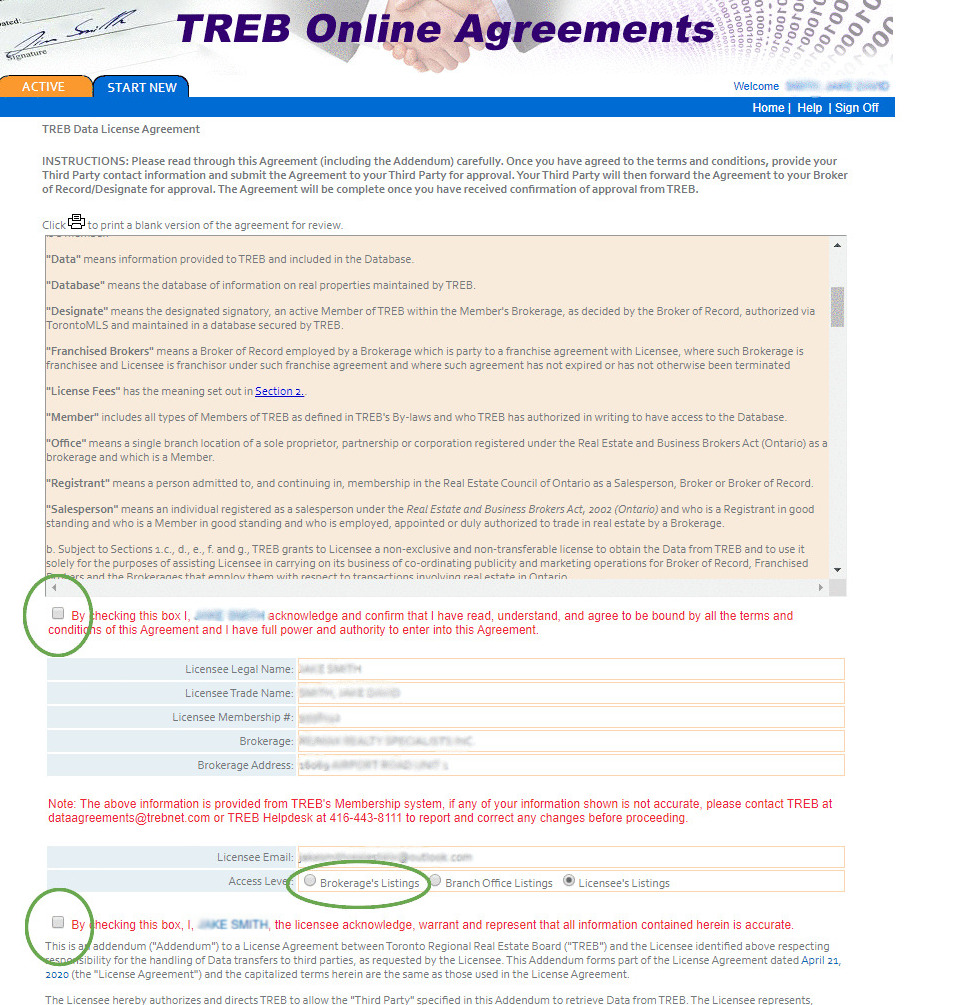
Next, you will have to check off the selected areas. They have been circled in GREEN. Please verify your contact information and brokerage information.
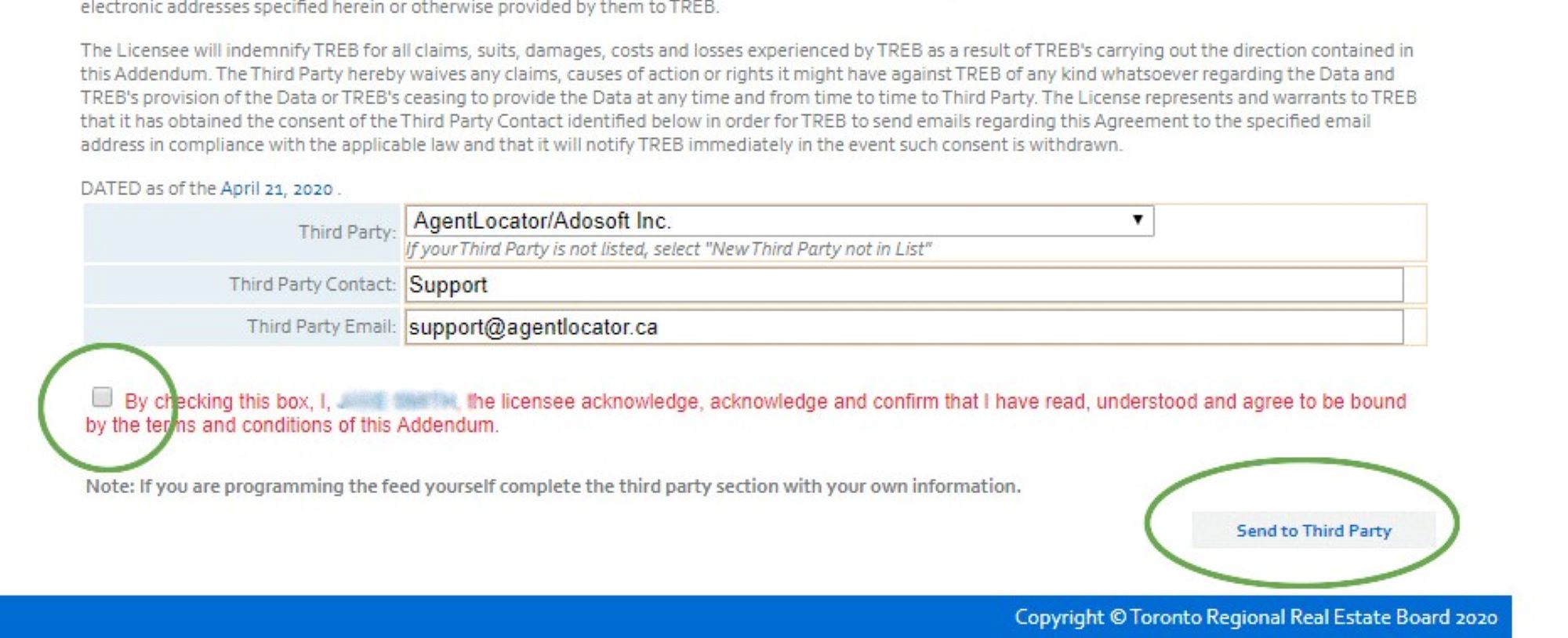
Next: For the Third-Party provider please select Homebaba
For Third-Party Contact enter Support and for Third-Party Email enter info@homebaba.ca
Finally, check off the selected box and click on Send to Third Party.
Agreement 2/3: IDX Data Agreement
Go to Start New tab again.
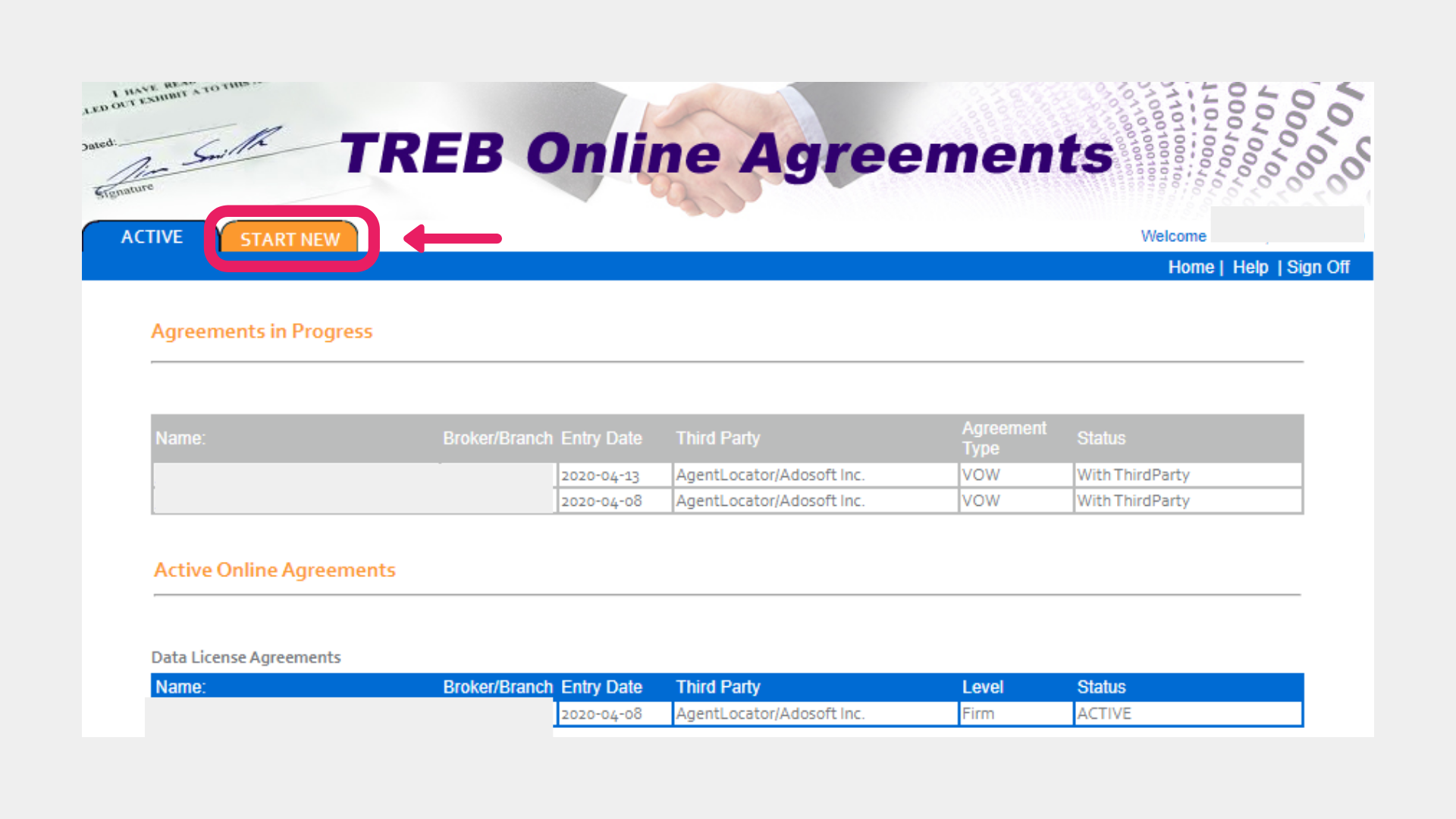
Select the IDX Data Agreement and then click the Continue button.
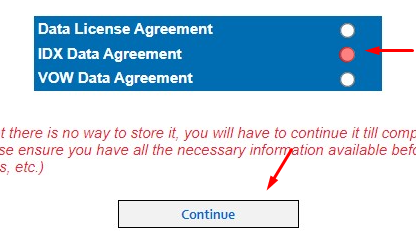
Next, you will have to check off the selected areas. They have been circled in GREEN.
Please verify your contact information and brokerage information is correct.
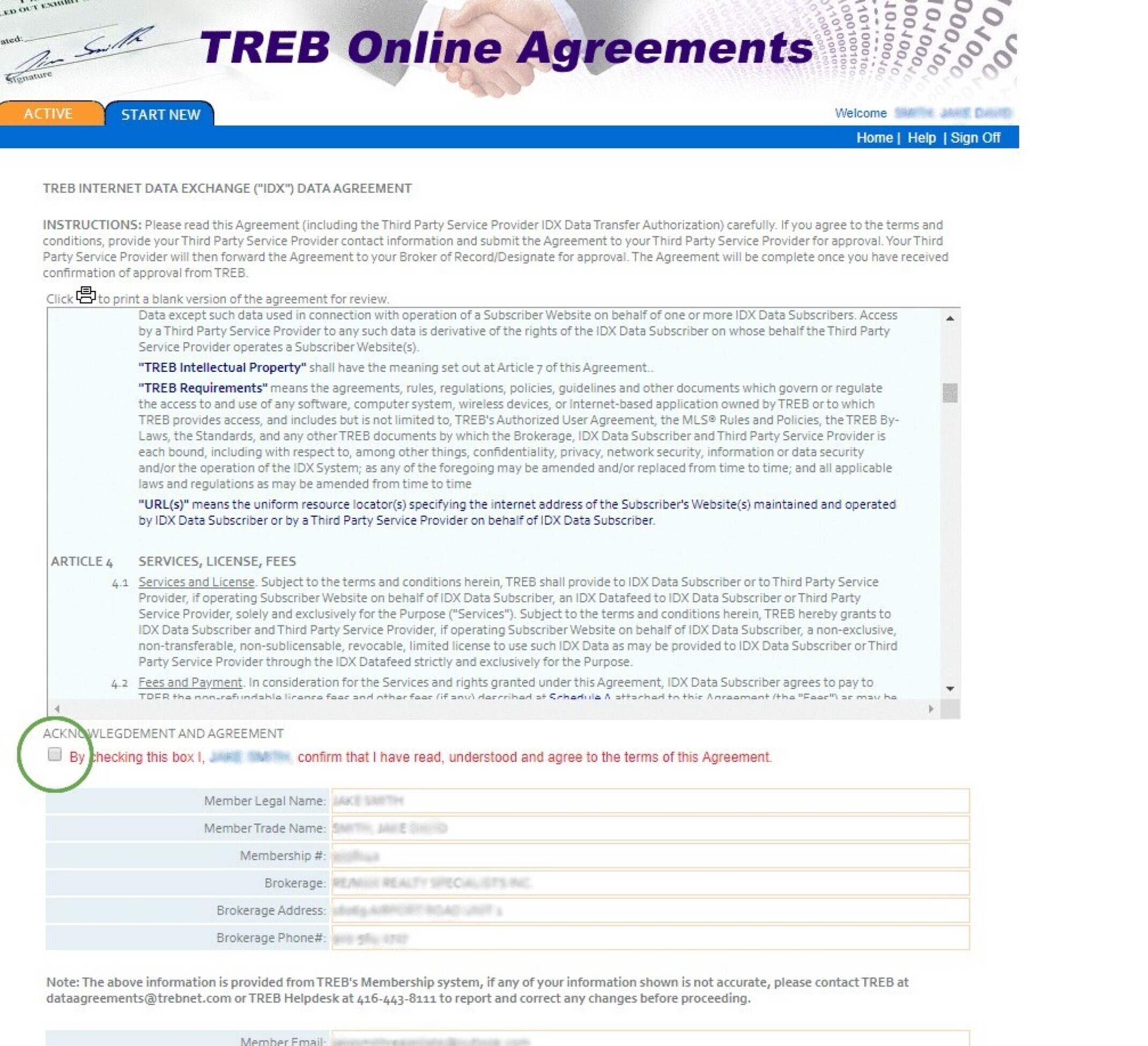
Next: For the Third-Party provider please select Homebaba
For Third-Party Contact enter Support and for Third-Party Email enter info@homebaba.ca
You will also need to enter 1 or 2 domain names, depending on how many websites you're having with AgentLocator.
Finally, check off the two areas which are in GREEN.
NOTE: Do not enter any domain names that are
NOT
associated with your AgentLocator account.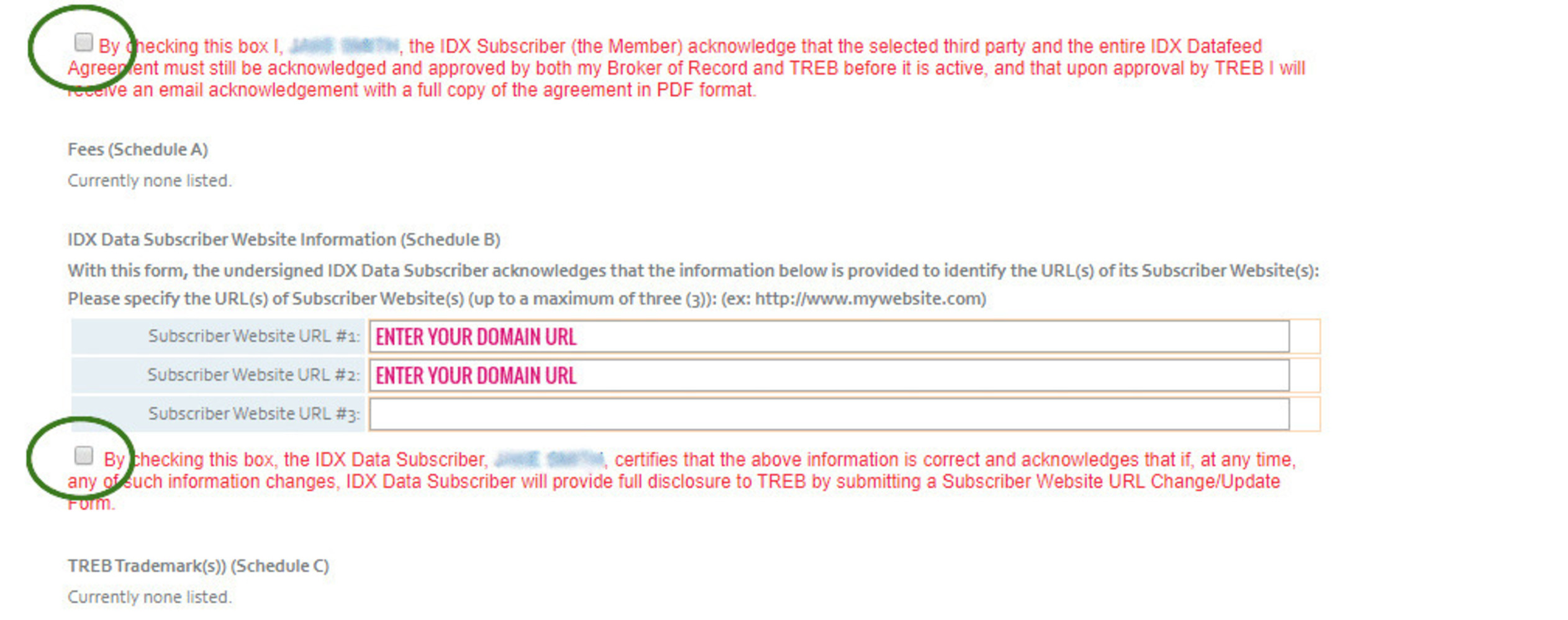
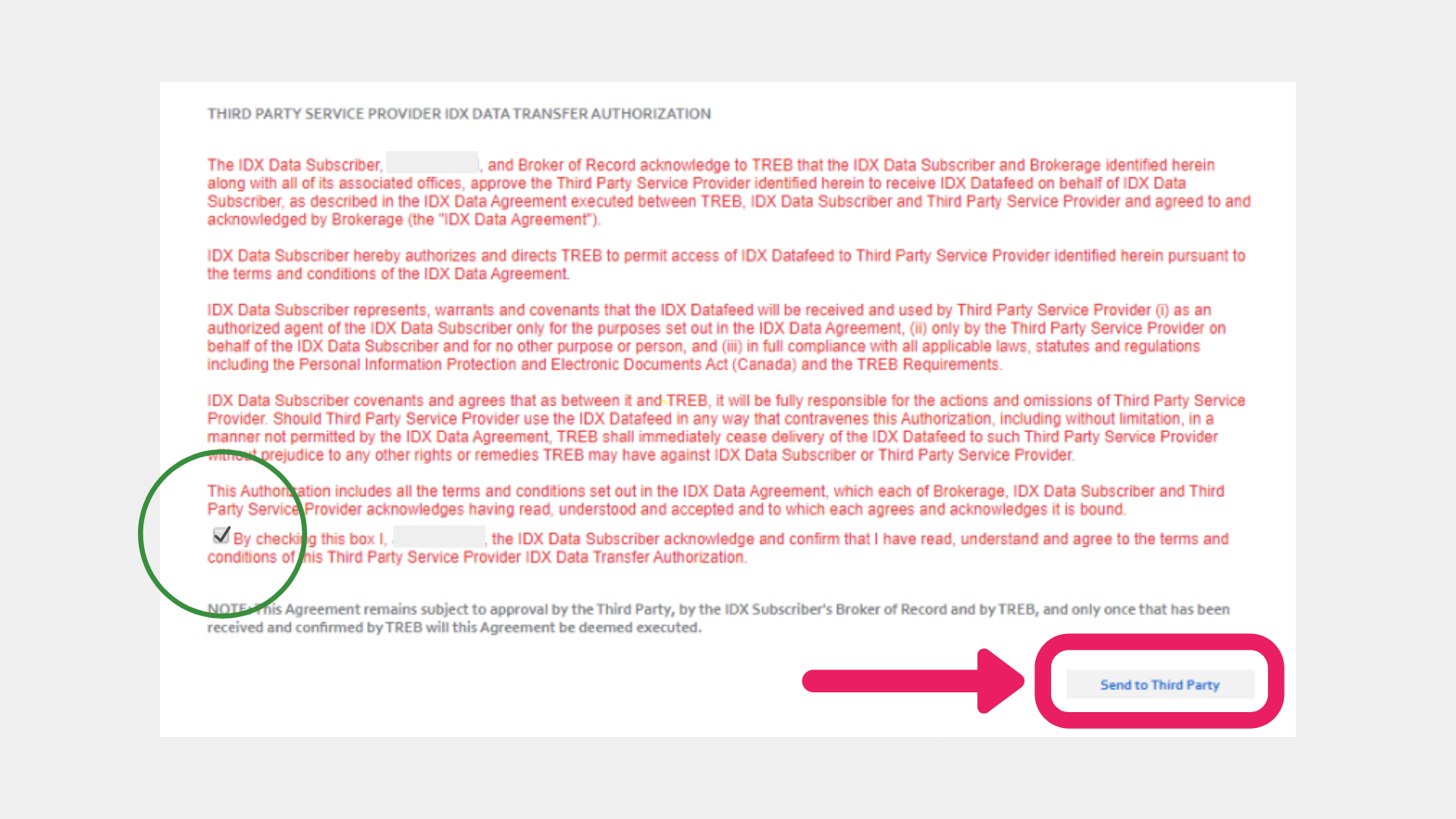
Finally, check off the last box and then click to Send to Third Party.
3/3 Agreement: VOW Data Agreement
Go to Start New one more time.
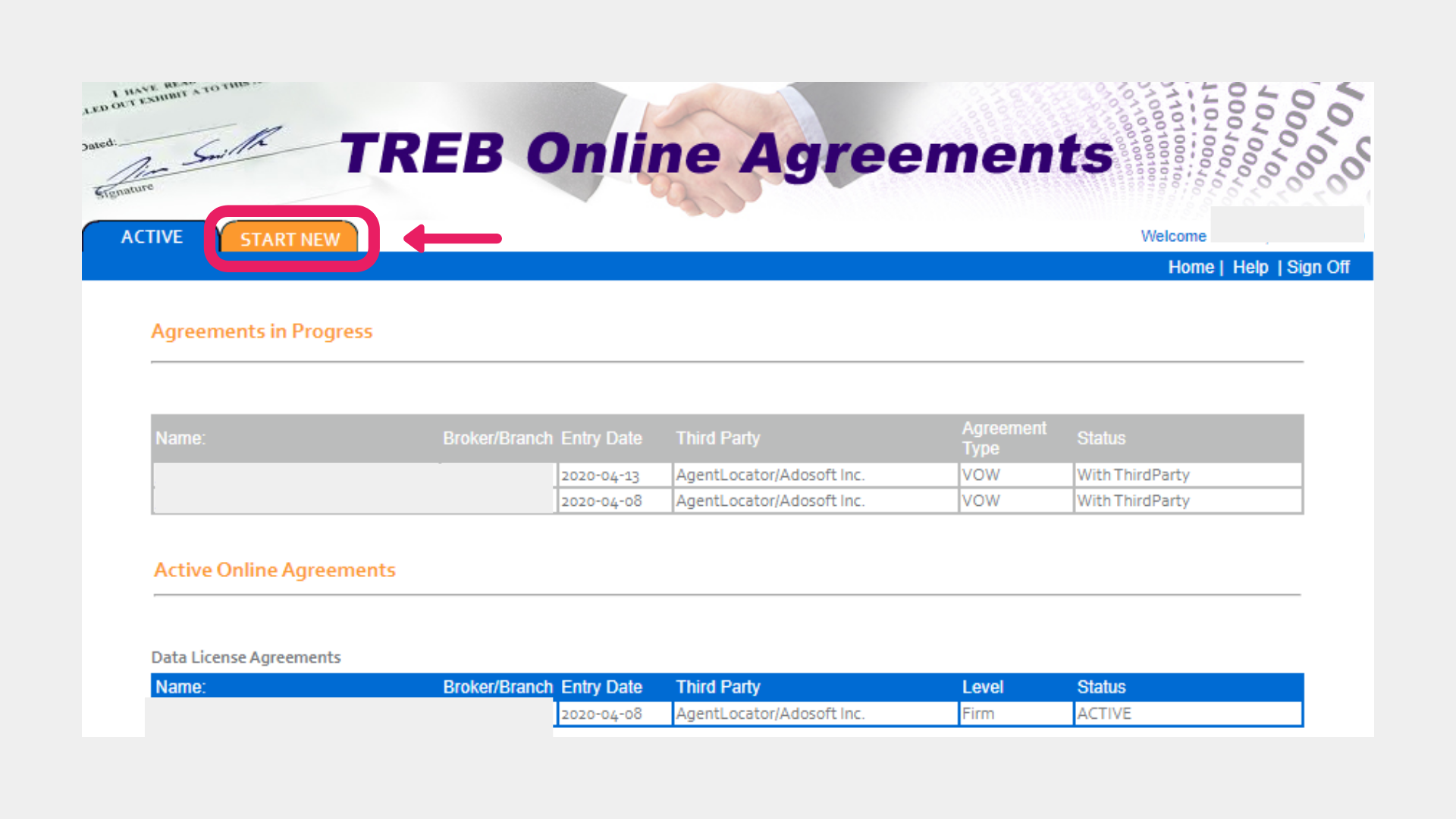
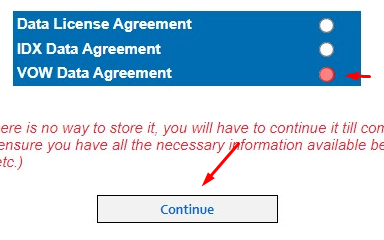
Next, select the VOW Data Agreement and then click on Continue.
Next, check off the box marked in GREEN and verify your contact information below.
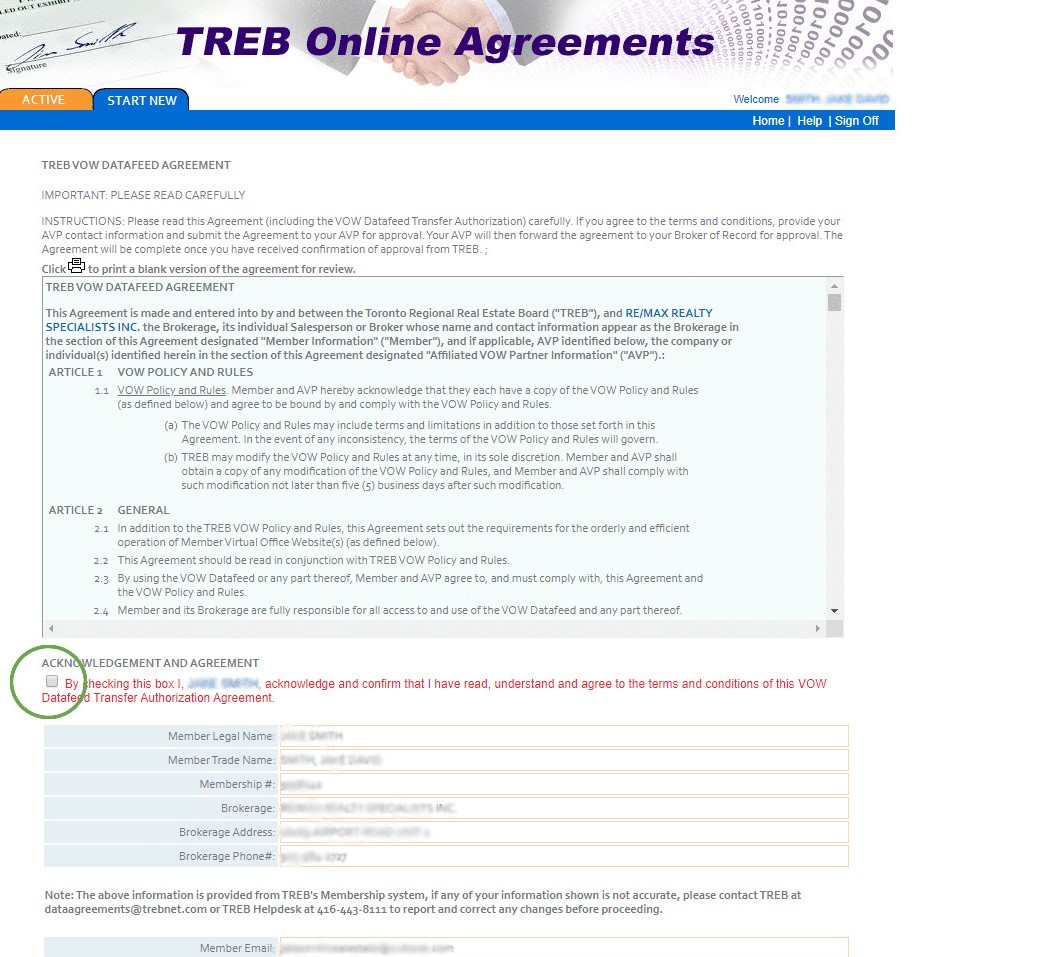
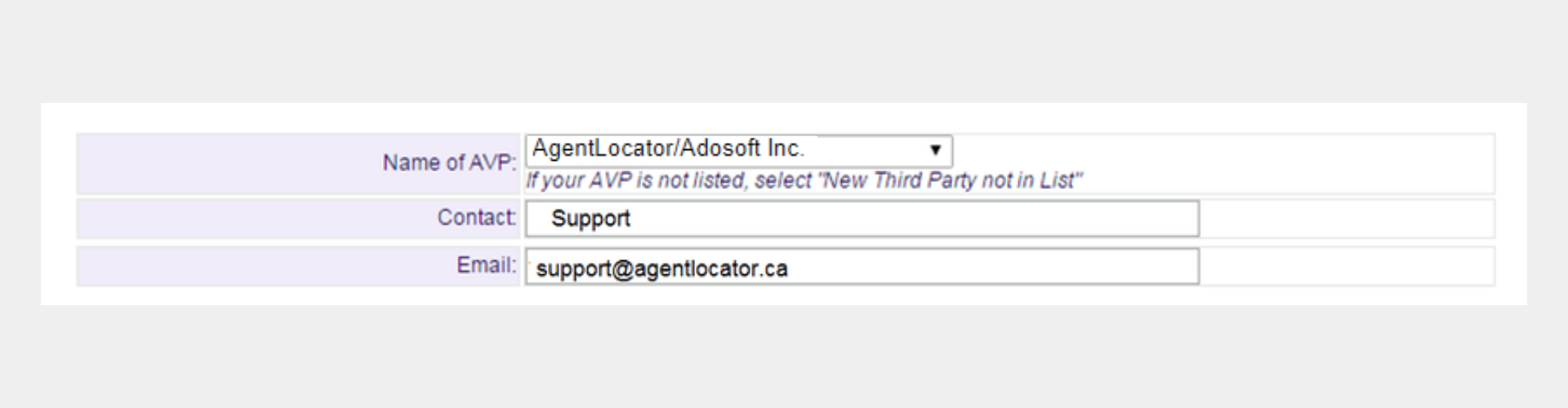
Next: For the AVP please select Homebaba
For Contact enter in Support and for email enter info@homebaba.ca
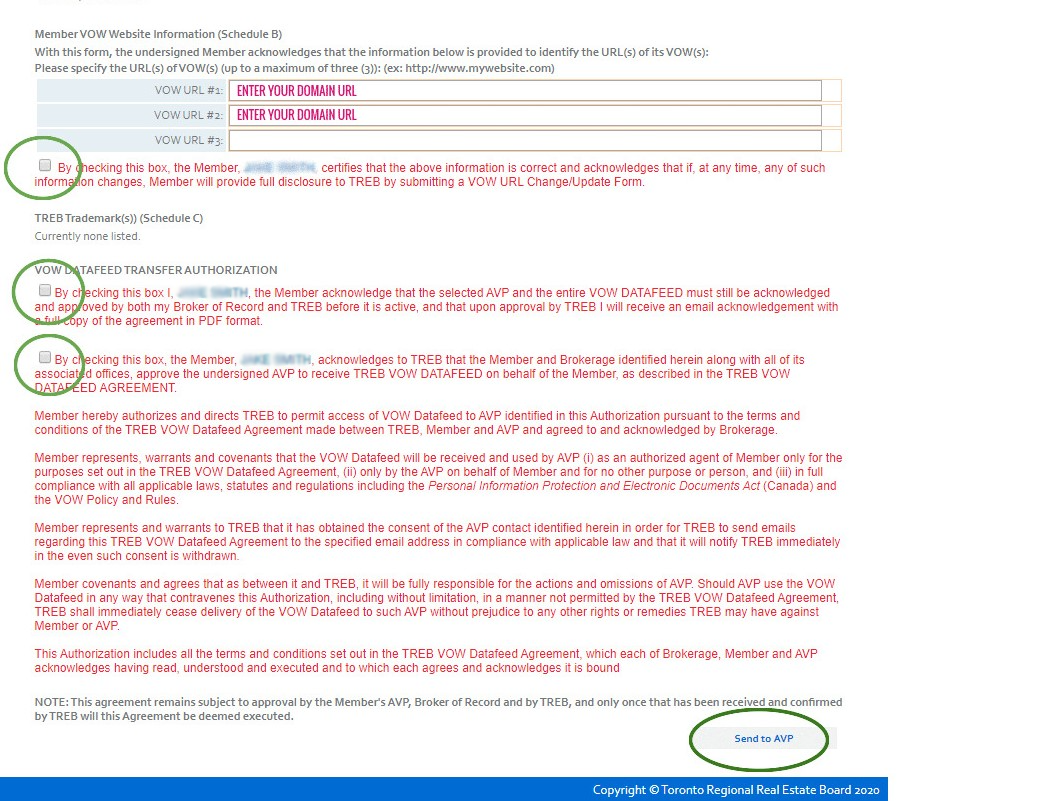
You will also need to enter 1 or 2 domain names, depending on how many websites you're having with AgentLocator.
Finally, check off the areas which are in GREEN.
Press the Send to AVP button.
NOTE: Do not enter any domain names that are NOT associated with your AgentLocator account.
Lastly, click the Sign Off button to logout.